
GstarCAD Add-ons / SDBOX for GstarCAD
SURVEYING & CONSTRUCTION ADD-ON FOR GSTARCAD
SDBOX for GstarCAD
Move from survey points to finished technical drawings in GstarCAD. Draft survey plans, model terrain, bring maps and GIS data into your drawing, and choose the edition that fits your work.
Requires Windows 10 or 11 and a full GstarCAD edition. The developer lists GstarCAD Professional 2021+; (Standard and Light editions are excluded.)
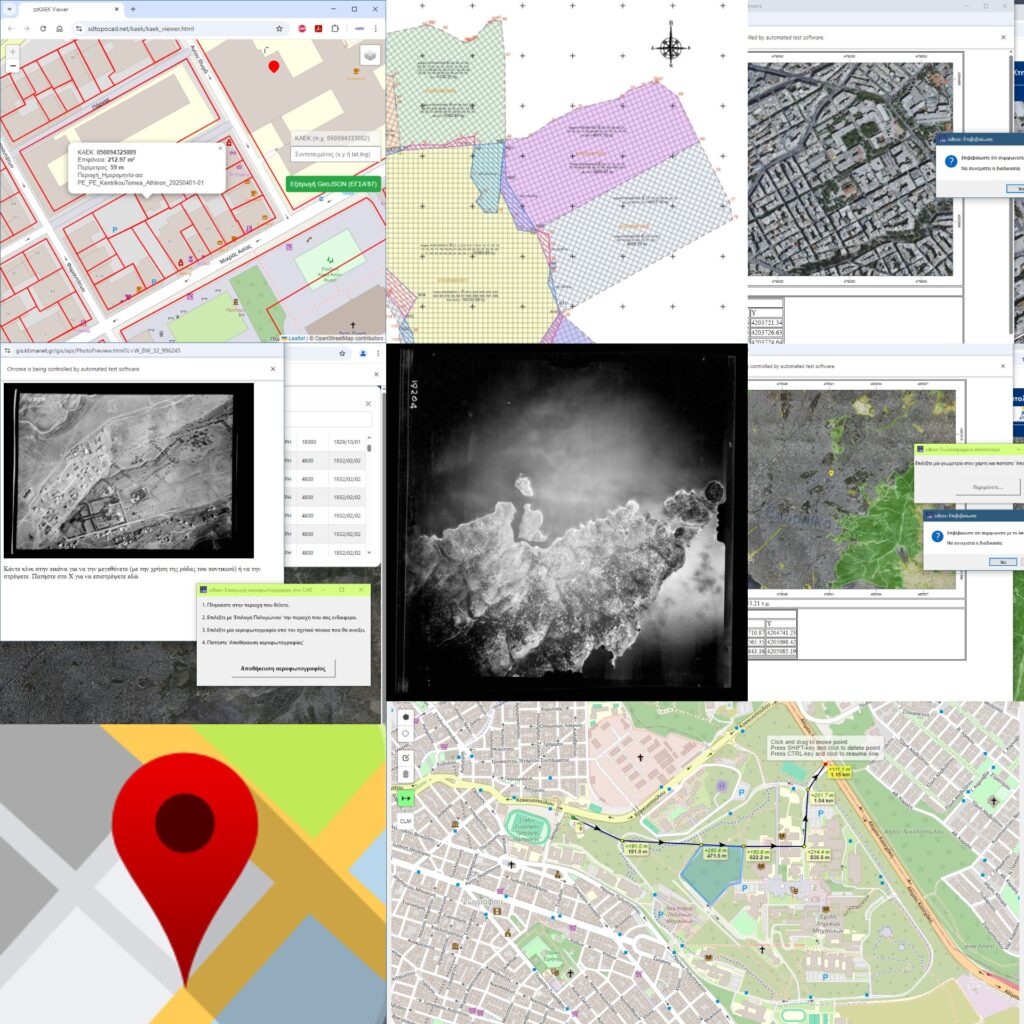
From survey data to a finished drawing
SDBOX brings survey drafting, terrain tools and geospatial workflows into a single CAD drawing process.
01
Survey plans
Build topographic plans with points, boundaries, coordinate tables, annotations, title blocks and PDF output.
02
Terrain & volumes
Create TIN surfaces, contours, profiles, cross sections and cut-and-fill calculations.
03
Maps & GIS
Use map backgrounds and exchange KML/KMZ, SHP and JSON spatial data within your CAD workflow.
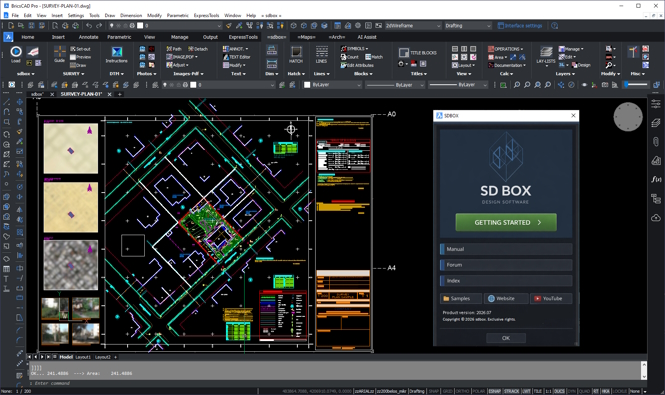
What can you produce?
Use SDBOX for surveying and CAD documentation such as:
- Topographic survey and property plans with points, boundaries, coordinate tables and title blocks
- Terrain models, contours, profiles, cross sections and cut-and-fill calculations
- Drawings using background maps and georeferenced imagery
- CAD drawings and PDFs for sharing or issue
- With SDBOX Construction: building survey floor plans, sections, elevations and set-out drawings
Check your GstarCAD edition
The developer specifies a full CAD edition for complete functionality: GstarCAD 2021 or later, excluding Standard and Light. Windows 10 or 11 and approximately 3 GB of free disk space are also listed. Confirm your current release before installing.
Choose the SDBOX edition
Survey and Construction are separate options. Ask us which edition and licence arrangement suits your GstarCAD workflow.
SURVEY EDITION
SDBOX Survey
For topographic survey drawings, terrain modelling, maps and GIS/CAD exchange. Includes Basic tools, Survey Plan, DTM, Google Earth and Maps.
CONSTRUCTION EDITION
SDBOX Construction
Includes the Survey tools and adds building survey floor plans, sections and elevations, plus set-out plan tools.
Common questions
Can I use SDBOX with GstarCAD Standard?
The developer says full functionality requires a complete CAD edition and excludes Light and Standard. Check your GstarCAD edition before ordering.
What is the difference between Survey and Construction?
Survey covers survey plans, terrain, maps and GIS/CAD exchange. Construction adds building survey drawings, sections, elevations and set-out tools.
Can I try it before choosing an edition?
The developer provides an SDBOX trial for GstarCAD. Visit the developer’s website for the current installer and instructions.
Find the right SDBOX edition for your work
Tell us your GstarCAD version and whether your work focuses on surveying, building documentation or both.