GstarCAD Mechanical Plus
Perpetual license or annual subscription
Own GstarCAD Mechanical Plus outright with a perpetual licence, or choose an annual subscription. Both options give you the complete Mechanical Plus toolset with no feature restrictions.
Native DWG — fully AutoCAD Mechanical compatible
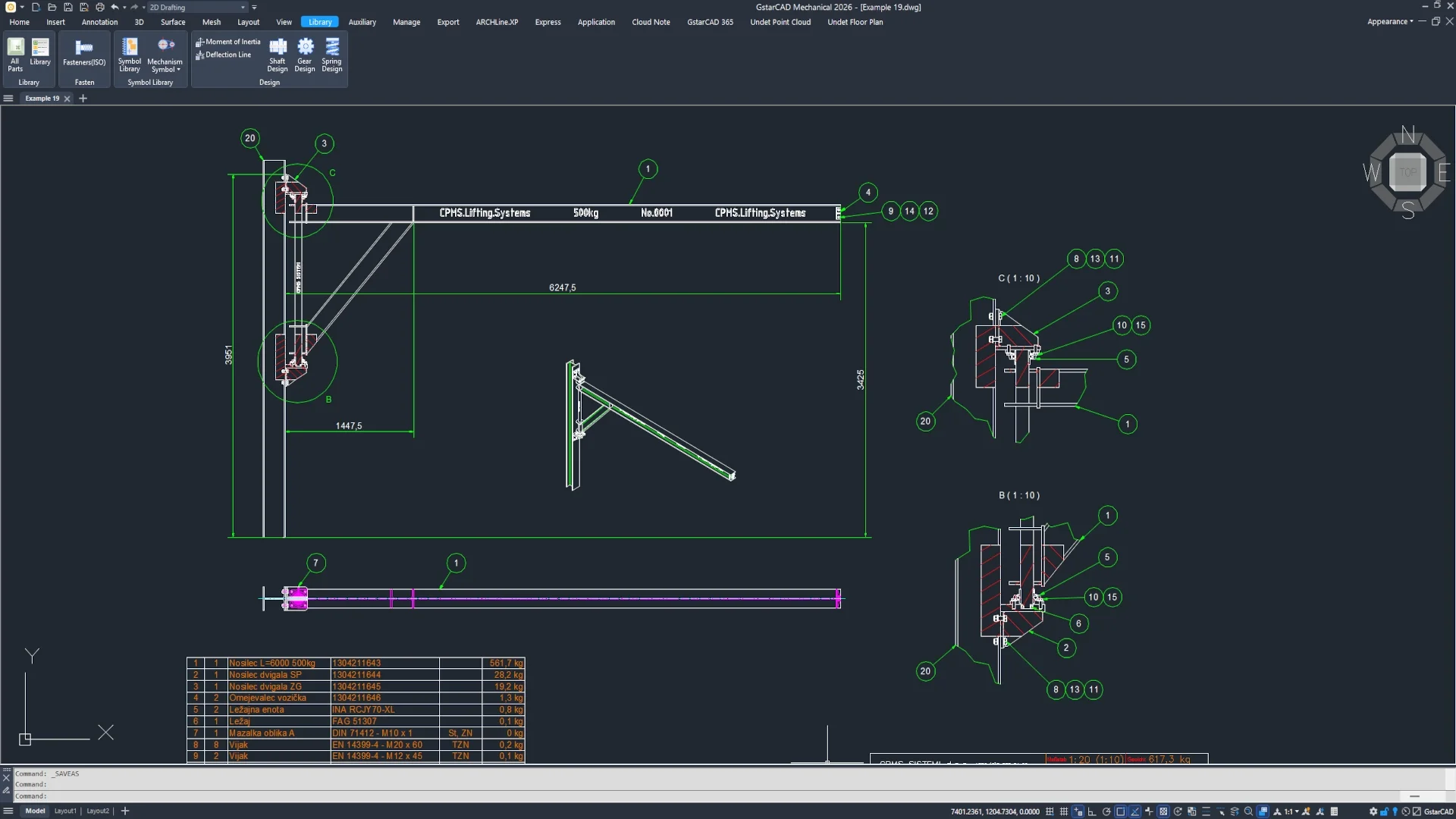
Work directly in DWG and read AutoCAD Mechanical drawings with full fidelity — title blocks, balloons, parts lists, BOM, surface texture, welding symbols, and more.
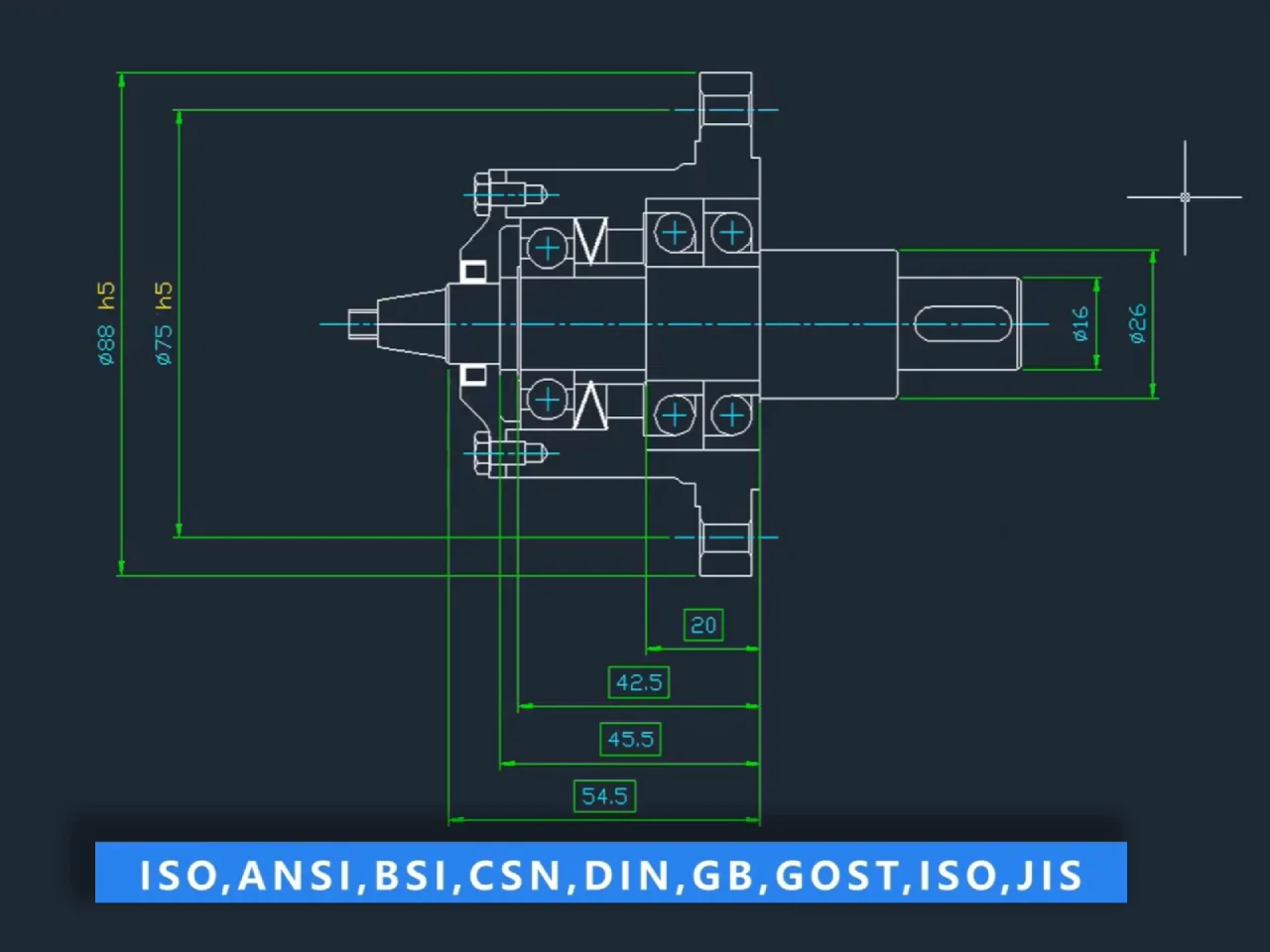
International drafting standards built in
Draft to ANSI, BSI, DIN, GB, ISO, JIS, CSN, and GOST standards. Symbols, layers, title blocks, and drawing elements are standards-compliant and easily customisable.
AutoCAD-familiar commands and interface
Same command names, shortcuts, and workspace as AutoCAD Mechanical. Existing users are productive from day one and can keep their current habits.
Flexible licensing to fit your team
Standalone, network, or USB dongle licensing — mix and match across workstations to suit your office setup and share access where it is needed most.
Built for Windows
GstarCAD Mechanical Plus is a Windows-native platform, optimised for professional mechanical design workflows on Windows 7 SP1 through Windows 11 and Windows Server.
Start designing in GstarCAD Mechanical Plus
Try GstarCAD Mechanical Plus free for 30 days. No credit card required, no obligations.
Full Compatibility — with DWG and AutoCAD® Mechanical
GstarCAD Mechanical Plus is built on the same native DWG engine as GstarCAD Mechanical and reads AutoCAD® Mechanical drawings in full. Open, edit, and exchange files without conversion — and deliver in any format your projects demand. Available on Windows.
What Can You Do with GstarCAD Mechanical Plus?
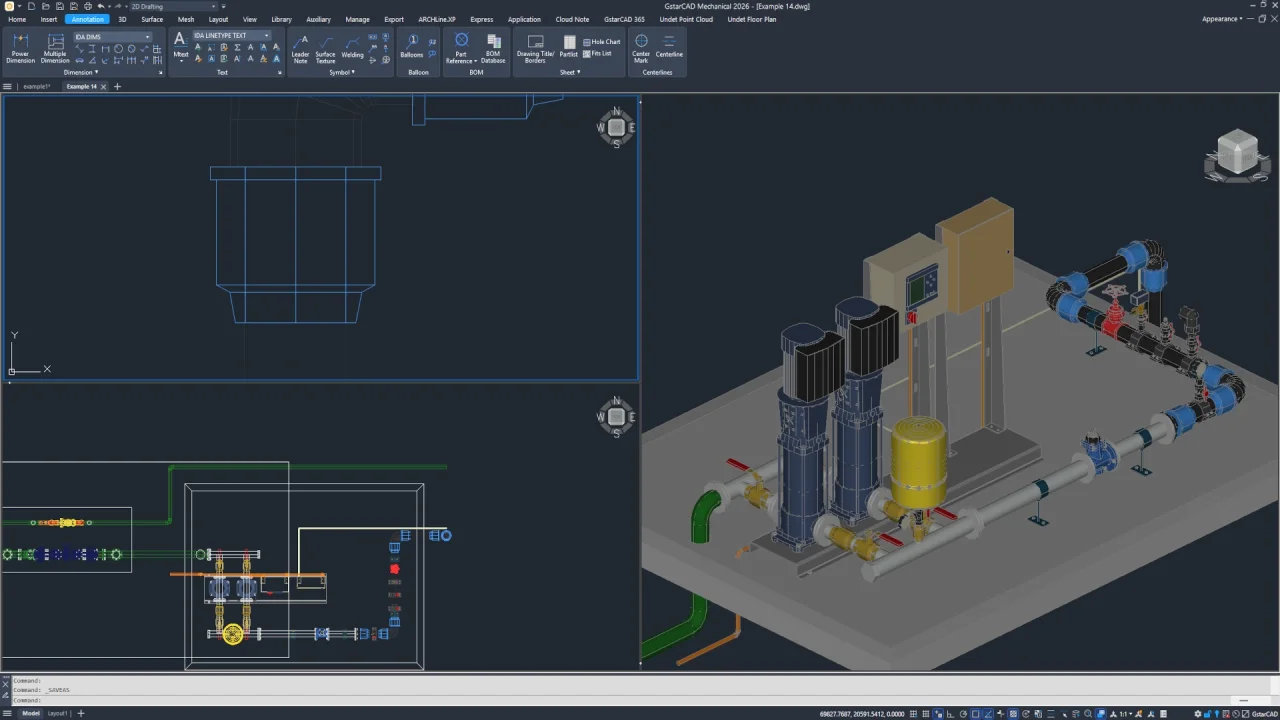
GstarCAD Mechanical Plus is a specialised mechanical design platform built on GstarCAD Professional and GstarCAD Mechanical. It adds a complete layer of mechanical-specific tools on top of the full GstarCAD drafting and 3D environment — purpose-built for engineers who produce manufacturing drawings and technical documentation to international standards. Available on Windows.
Design to Standard. Every Time. Out of the Box.
BOM, parts lists & balloons
Intelligent Data. Accurate Documentation. Every Part Counted.
Standard parts library & detailing tools
Insert. Don't Draw. Thousands of Parts Ready to Use.
Full GstarCAD platform underneath
All of GstarCAD Professional & Mechanical. Plus Advanced Intelligence.
Choose the right versionfor your workflow.
GstarCAD is available in Standard, Professional, Plus, Mechanical, and Mechanical Plus editions. Compare features to choose the version that best fits your design and engineering needs.
Maintenance &Support Plans
Keep your GstarCAD Mechanical and Mechanical Plus up to date and get the help you need — from basic license management to full technical coverage with major upgrades.
Ready to switch to GstarCAD?
Talk to our CAD specialists about licensing, migration, and deployment, or go straight to the store to configure your GstarCAD edition and see pricing options.
© 2026 CadTechStore. All rights reserved.
GstarCAD is a trademark of Gstarsoft Co., Ltd.